
Introduction:
Businesses that manage professional & confidential documents through standard file storage and manual documentation experience operational friction. Internal teams waste valuable time identifying files, chasing signatures, tracking document status, and requesting approvals.
The ultimate solution for businesses to eliminate these conflicts is an advanced Electronic Document Management Software. With the best Digital Document Management platform, organizations can create, send, sign, route, and store documents online.
Choosing the right Electronic Document Management System is an important consideration for companies seeking to upgrade their document workflows in 2026. Simply go through this article and explore 10 must-have features of electronic document management software for 2026.
Also, understand the role that each capability plays in creating a more structured, secure, and efficient document process.
What is Electronic Document Management Software?
Electronic Document Management Software is a system that creates, captures, organizes, stores, retrieves, secures, and tracks business documents across their full lifecycle, from creation through approval, distribution, retention, and disposal.
The difference in traditional file storage matters here. A shared drive holds files, but electronic document management software adds the layer companies require around their documents: structured metadata, version logs, permission models, automated routing, and a complete record of who did what and when.
An advanced document management system supports complex documentation processes across departments and use cases, including vendor contracts, employee records, client agreements, legal documents, compliance files, and operational forms.
Using structured document workflow automation management enhances accessibility and provides individual controls over how data is created, modified, shared, and signed.
Why Businesses Need Document Management Software in 2026
The three most challenging issues businesses faced that led them to upgrade their document process a few years ago. The growth of continuous documentation in the organization, distributed and hybrid teams accessing the same document with no more informal handoffs, created version confusion.
Moreover, a heavy administrative workload and expectations regarding data handling, retention, and auditability have been observed across most industries. Besides, AI is ruling the market in document processes in 2026.
These are some of the key pain points businesses have witnessed via manual document storage. Hence, various sectors started shifting to a Gen AI Document Management System, as it is no longer just a storage and retrieval platform.
Also, organizations are increasingly expecting their systems to help analyze document content, not simply hold it. Teams evaluating software in 2026 are therefore assessing both operational fundamentals and emerging capabilities.
10 Must-Have Features of Electronic Document Management Software
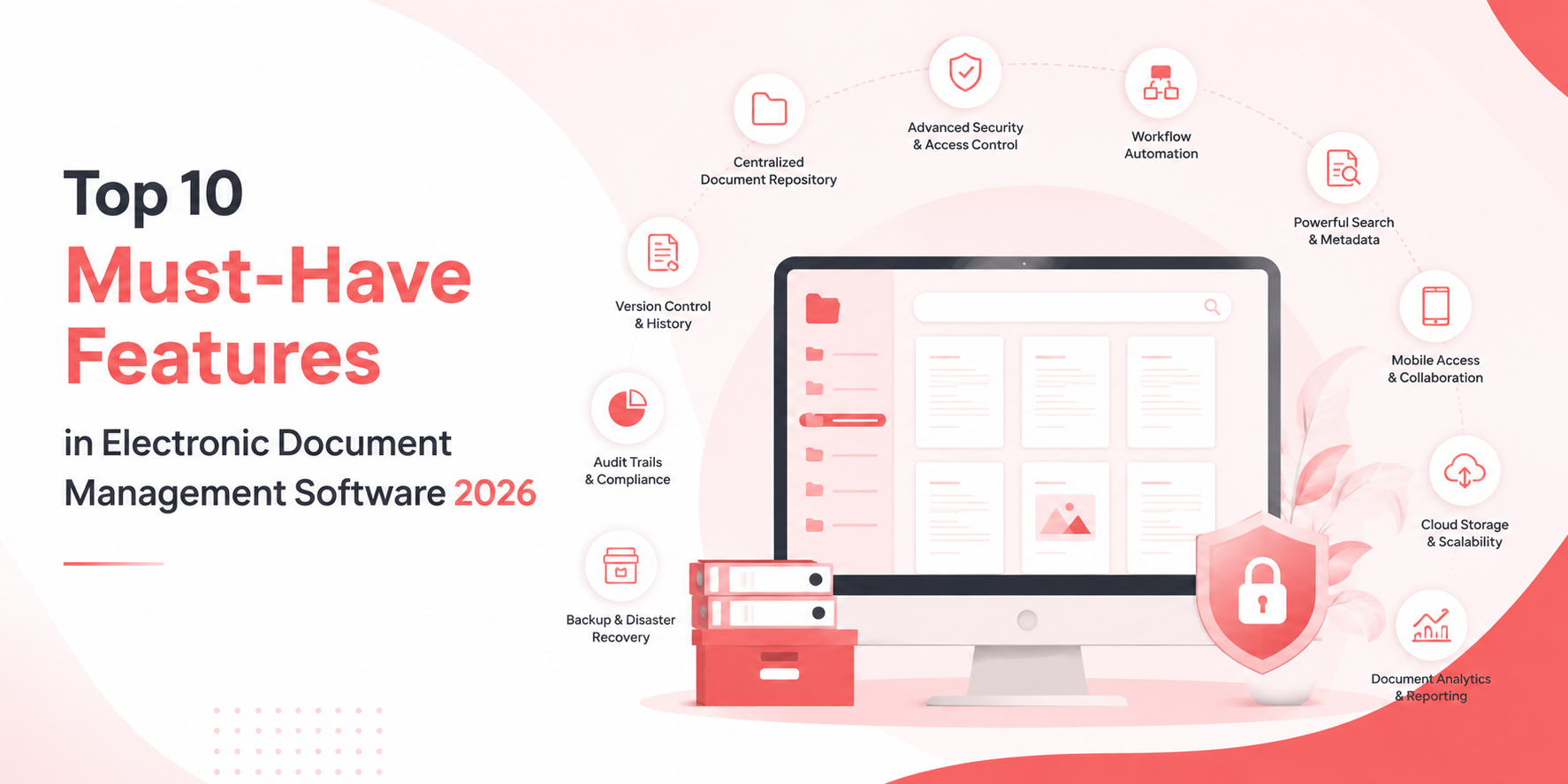
Here are the top ten electronic document management software features that address and resolve every document workflow challenge irrespective of industry.
These capabilities form the foundation of reliable Electronic Document Management Software.
1. Built-In Electronic Signature Software
Signing is where most document processes lose time. Native Electronic Signature Software keeps execution inside the platform, so agreements move from draft to signed record without leaving the system or requiring a separate tool and a separate audit trail.
When eSignature Software is embedded in the workflow, the signed document and its audit record can be filed automatically with the correct customer, employee, or transaction.
2. Document Workflow Automation
Document Workflow Automation replaces manual handoffs with defined routing rules. It routes documents for review, escalation, approval, notification, and signature. For teams processing regular agreements, eSigns Workflow Automation also standardizes how those documents are generated first.
It replaces email chains with visible, repeatable processes. Reminders and escalation rules benefit businesses by reducing delays and providing great document visibility.
3. Gen AI Document Management Capabilities
Adopting a Gen-AI electronic document management system helps organizations extract key terms from a contract, summarize lengthy records, classify incoming files, and answer questions about document content. The practical value is in reducing manual review time, not in removing human judgment from decisions that require it.
4. Centralized Document Repository
A strong repository supports structured libraries, folders, metadata, templates, and common file types in a cloud or hybrid environment. A digital repository reduces duplicate copies while making ownership and document status clear.
5. Advanced Search and Easy Document Retrieval
Businesses upgrading to digital document management software expect advanced search capabilities beyond filenames. It should offer full-text indexing, metadata filters, optical character recognition, and more, helping teams find relevant document data instantly.
For instance, a procurement manager might search for “next expiring supplier agreements” instead of opening folders manually. A responsible Gen-AI-powered Document Management System can improve retrieval by understanding document purpose, but results must always respect user permissions.
6. Document Version Control
Automated document version control, powered by the digital document management system, maintains a complete history of changes and ensures the current version is unambiguous. It reduces the risk of teams acting on reviewing or signing outdated files.
Moreover, users can view who changed a document, compare versions, restore an earlier copy, and find the approved version seamlessly.
7. Role-Based Access Control
With role-based access control, organizations can define permissions to manage documents as per users, roles, departments, or responsibilities. Also, RBAC permissions ensure users can see what they need for their work, and nothing more.
However, this feature helps businesses restrict access to confidential data. Besides, policies should also be easy for administrators to configure and maintain as teams and responsibilities change. This supports both security and usability too.
8. Compliance, Security, Audit Trails, and Activity Logs
An EDMS should offer advanced security features, such as tamper-resistant activity logs, retention schedules, legal holds, access reports, and controlled disposition. These functions explain what happened to a document and reduce the risk of deleting records prematurely or retaining them without purpose.
For regulated teams, Document Security with eSigns AI-Powered eSignature is most useful when governance is built into everyday work rather than treated as a separate administrative task.
9. Seamless Third-Party Integrations
Document management rarely operates independently from the rest of a business technology stack. Businesses require electronic document management software to connect with existing business applications, such as CRM, HR, ERP, productivity, or others.
Without eSign API integration, organisations can’t reduce repetitive tasks and move from one app to another for seamless workflows. When evaluating a platform, businesses should consider both available integrations and the flexibility of its API capabilities for future requirements.
10. Analytics, Administration, and Scalability
Analytics can reveal approval bottlenecks, signature delays, frequently accessed content, and adoption patterns. Administration tools should simplify permissions, templates, migration, retention policies, and user management. The platform should also scale across storage, workflows, users, and integrations.
How to Choose the Right Electronic Document Management Software?
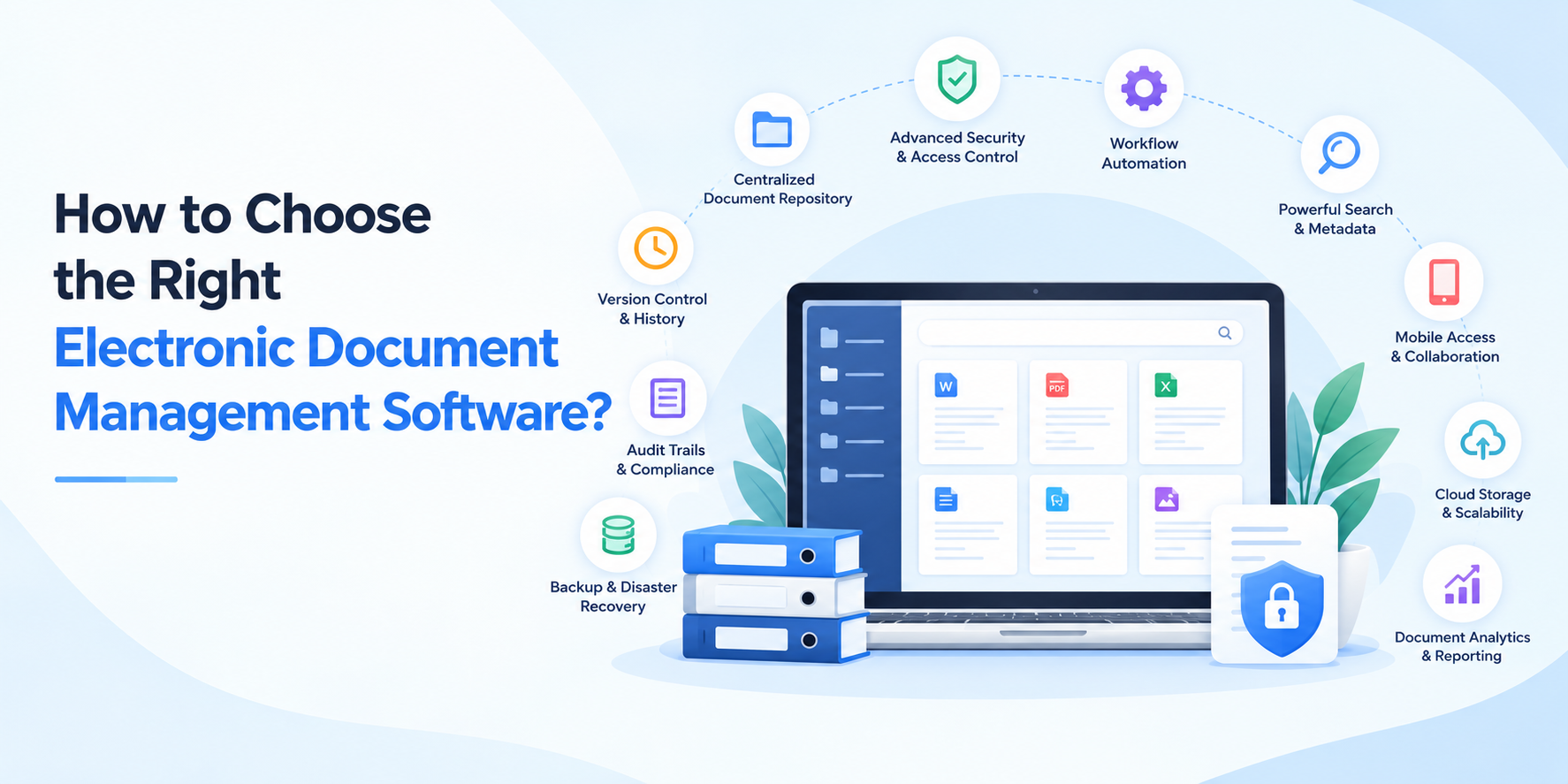
The evaluation of choosing the right EDMS is easier when it starts from current demands instead of feature comparison:
- Assess document volume, types, and departmental requirements
- Review workflow automation depth: conditional routing, escalations, parallel approvals
- Check search, metadata, and version-control capabilities against real retrieval scenarios
- Evaluate security certifications, encryption standards, and access controls
- Consider AI capabilities against specific use cases, not general claims
- Confirm integration and API support for your existing systems
- Consider scalability and how easily non-technical users will adopt the platform
- Review pricing structure, implementation timeline, and support commitments
The right electronic document management platform is rarely the right answer that fixes the document issues your teams face weekly.
Benefits of EDMS for Businesses
A well-designed electronic document management software (EDMS) can support several areas of business operations, such as:
- Better document accessibility: Teams can locate and access required data instantly from a centralized environment.
- Faster workflows and approvals: Contracts can move through predefined processes efficiently.
- Reduced manual work: Automated workflows and digital signatures reduce repetitive tasks and manual follow-ups.
- Better collaboration: Teams can work with controlled & current document versions.
- Improved visibility and accountability: Activity records provide greater insight into document actions.
- Stronger document security: Role-based access controls, document version history, detailed audit trails, and governance capabilities allow users to protect sensitive data.
- More consistent document processes: Structured digital workflows and reusable templates reduce process variation.
How eSigns Supports Digital Document Management
eSigns AI-powered software brings document management and execution into one platform. It assists teams in maintaining complex documentation with
- Centralized document management
- Document workflows
- Real-time tracking
- Audit trails
- Ready-to-use Templates
- Electronic signatures
- AI-powered document capabilities
- Security & compliance
eSigns workflow automation manages everything right from document routing to follow-ups, with every action tracked in detail. Also, eSigns electronic signature software supports compliant, gen-AI-powered document solutions for seamless document approvals.
Conclusion
An advanced EDMS platform beyond secure file storage is the best pick for businesses. It even makes files identifiable, automatable, governable, and intelligible. Also, eSigns helps businesses consider these top 10 must-have features in electronic management software 2026.
Also, visit our latest eSigns blog page to update your business operations with AI-powered document management system capabilities.
FAQs
Q1: What is electronic document management software?
A. EDMS is a digital software that helps industries to capture, store, organize, secure, and track professional and legal documents throughout their lifecycle, from creation to retention or disposal.
Q2: What are the key features of an EDMS?
A. The key features of an EDMS are document workflow management, integrated eSignature storage, Centralized storage, advanced search, version control, role-based access, AI capabilities, integrations, audit trails, and security capabilities.
Q3: How is EDMS different from cloud storage?
A. Cloud storage holds files. An EDMS adds metadata, permissions, version history, automated workflows, retention policies, and audit logging around those files.
Q4: Is electronic document management software secure?
A. Reputable EDMS platforms offer strong encryption capabilities in transit and at rest. This involves role-based access, authentication controls, auditing, complete log history, and compliance certificates.
Q5: Can EDMS automate document workflows?
A. Yes, Most of the EDMS platforms support rule-based routing for review, approval, and signature, including escalations and conditional paths.
Q6: How does AI improve document management?
A. AI capabilities like document creation, extraction, summarization, and searching reduce manual review time and improve document management.