
Introduction:
Contracts sitting in the inbox for long days have many reasons, not just being buried or waiting for manager acceptance, or a file sent to the wrong person. Sharing approval documents across stakeholders like HR, sales, procurement, and finance manually is time-consuming and gets stuck somewhere. However, the eSigns Workflow Automation Tool exists to close that gap. eSigns Digital Workflow Automation supports document creation, routing, approval, and signing in a single automated flow.
Thus, helping teams stop relying on email chains and manual follow-up to get things signed. For companies scaling fast across the US and India, that’s no longer a question of having a great Electronic Document Management System. It’s becoming table stakes. Dive in to get to know more about our eSigns Workflow Automation Tool.
What is the eSigns Workflow Automation API?
The eSigns Workflow Automation API is a digital tool that lets businesses tie document creation, routing, approval, and electronic signing into a single automated process.
Instead of documents sitting and moving between emails, drives, and reminders, adopting an API handles the handoffs, document generation, sending it to the right person, collecting signatures digitally, and storing it in a digital repository once it’s done.
For teams in the US and India handling high-volume contracts, HR paperwork, or vendor agreements, it’s less about replacing eSignatures and more about automating the entire process.
How Does the eSigns Workflow Automation Connect Your Business Applications?
Nobody wants to run on another disconnected tool. Most businesses are already struggling with disconnected CRM, HR, and ERP platforms, so teams want a dedicated system that connects their business apps.
eSigns Workflow Automation API is built to plug directly into what you’re already running, so documents move on their own between the tools your team handles every day.
A sales agreement can pull data straight from the CRM. A signed HR file is stored automatically in a digital repository. That’s the real value of a strong eSign API – fewer tabs open, less copy-pasting, and faster approvals.
Key Features of the eSigns Workflow Automation Tool
Without the right features, none of the above automated processes happen easily. Hence, check out what’s actually working to achieve smarter workflows via the eSigns workflow automation tool:
1. Automating Document Creation and Routing:
Using the eSigns tool, businesses can generate document templates and route them to the right person in the right order automatically, with no manual assignment of who signs first.
2. Triggering Electronic Signature Requests Automatically:
eSigns eSignature Software automatically sends requests to signers when the document is ready and goes out for signature. Also, you can tailor the countdown alerts sent to signers for quick document signing.
3. Tracking Approval Status in Real Time:
You can see exactly where a document gets stuck, like pending, signed, rejected, or approved status of the document, with no more chasing people manually with eSigns EDMS real-time tracking.
4. Securely Storing Signed Documents
Automatically, all signed files land in a secure, searchable location called the centralized digital repository. They don’t end up buried in someone’s downloads folder, and they don’t disappear when that person leaves the company.
5. Seamless eSignature API Integration
Good eSignature API Integration shouldn’t take months of development work to set up, and this one doesn’t. eSigns helps businesses provide the best eSign API Integration for smooth operations.
6. Flexible API Integration with Existing Business Systems
Salesforce, a homegrown ERP, or a Workday HR application, the eSigns API is designed to fit around and help integrate with the existing tools, without forcing something new.
7. Automated Notifications and Approval Reminders:
A missed email shouldn’t hold up a contract. Automatic notifications keep documents moving even when someone’s inbox is a mess. Hence, eSigns AI Signature Generator offers automated notification & approval reminders for seamless approvals.
8. Audit Trails and Compliance Support
A secure eSigns online signature and digital document management platform tracks every action with timestamps and detailed log history. This helps when legal or an auditor asks, “Who approved this and when?” You already have the answer.
Benefits of Using the Workflow Automation
Features are one thing. However, here’s what actually switches after implementing them by business teams in the real world.
Faster Document Turnaround: What used to take days now takes hours, mostly because reminders go out automatically instead of relying on someone to remember.
Reduced Manual Errors: Fewer manual touchpoints mean fewer typos, missed fields, and version mix-ups. That’s the practical profit from secure & advanced Digital Workflow Automation – eventually, it reduces human errors.
Improved Team Productivity: Nobody got hired to track down signatures. Automating document signature status tracking frees people from unnecessary work and makes them focus on what actually needs to be done.
Better Visibility Across Document Workflows: Managers stop having to ask for status updates because the document status is already visible under pending, in progress, and done sections on the dynamic dashboard of eSigns.
Business Workflows You Can Automate with the eSigns Workflow Automation Tool
Almost every department deals with the same bottleneck – someone waiting on someone else’s signature. Here’s where eSigns Digital Workflow Automation API makes the biggest change in automating business workflows:
Employee Onboarding and HR Documentation: Offer letters, policy sign-offs, new hire paperwork, and every other documentation process can be automated via eSigns API Electronic Signature Software and a document management tool with live tracking.
Vendor and Procurement Approvals: Purchase orders and vendor contracts route themselves to the right approver, which means now procurement isn’t the reason for shipment delays.
Finance, Legal, and Compliance Workflows: Invoices, NDAs, compliance forms – these are the documents where a broken approval chain actually costs money. Keeping them on a consistent, trackable path matters more here than almost anywhere else.
Sales Contracts and Customer Agreements: The faster a contract gets signed, the faster it closes. Automating the send-track-close document management lifecycle shortens deal timelines and makes the entire process feel less smooth on the buyer’s end, too.
Why Choose eSigns for Workflow Automation and Electronic Signatures?
Still confused about going with eSigns software to manage and automate your daily workflows and document signature tasks? Here’s a glimpse of why to choose eSigns.io, an AI-native contract management tool:
Built for Modern Business Document Workflows
This isn’t paper-process thinking wrapped in software. It’s built around eSignature Software designed for how teams actually operate now: fast, distributed, and rarely in the same room.
Secure and Easy to Implement
Strong encryption, multi-factor authentication, and detailed audit trails don’t make businesses face a painful rollout during document management. Setup here is straightforward enough that teams aren’t stuck in a months-long implementation before seeing any benefit.
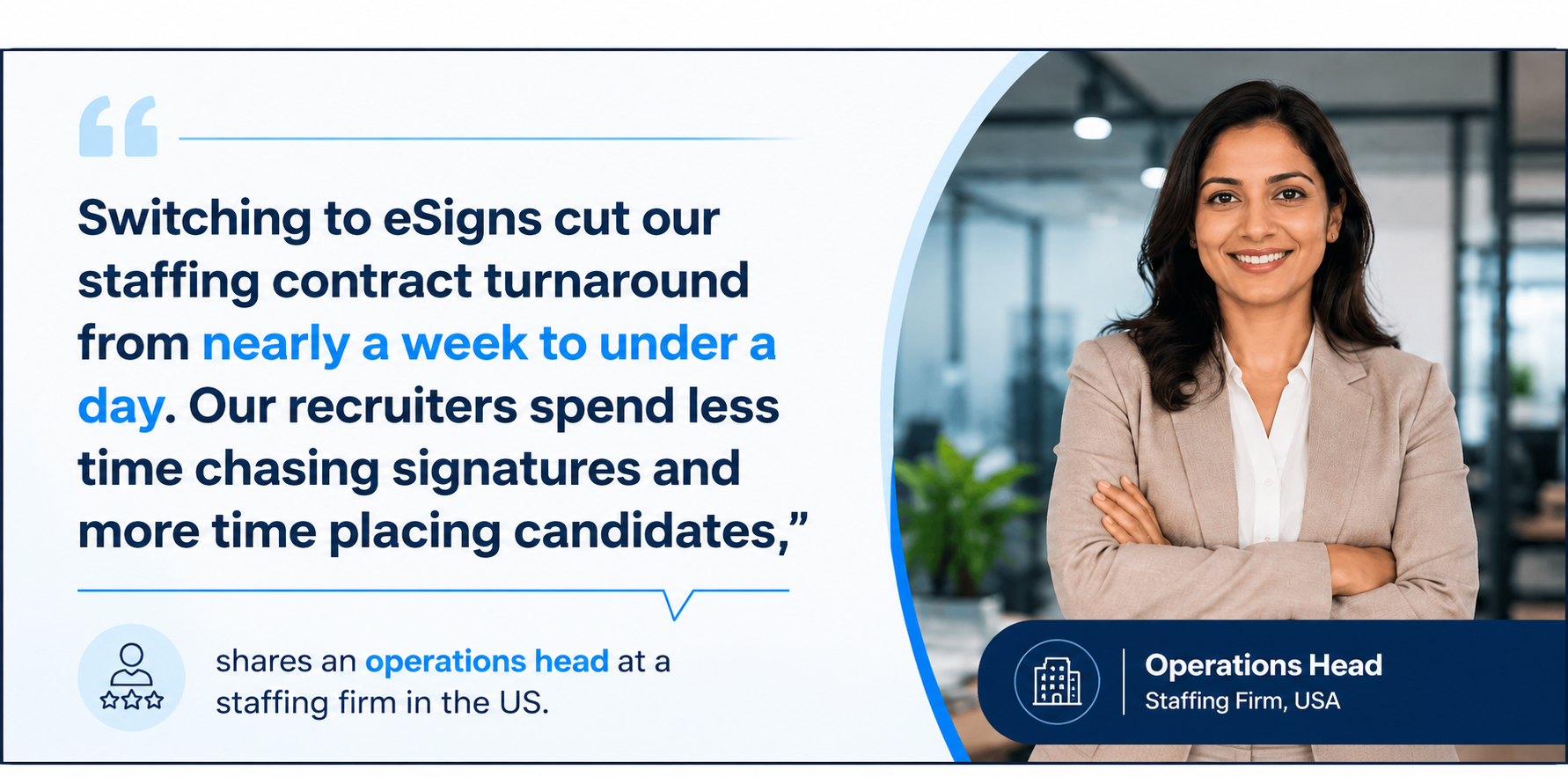
Testimonial
Conclusion
It’s easy to overlook how much manual approvals are costing until you actually automate them. The eSigns Workflow Automation API brings order to a process that, for a lot of businesses, still runs on email threads and hope. HR, sales, procurement, finance – it doesn’t matter which department; the same problem shows up everywhere: paperwork stuck between people instead of moving.
As more B2B companies across the US and India shift away from paper altogether, being able to Sign Documents Online and automate the full chain isn’t really optional anymore; it’s just what modern operations look like.
Do visit our dedicated blog page for the latest updates on eSigning and automated workflow management across industries.
FAQs
Q1: Can I automate document routing and approval reminders using the Workflow Automation?
Yes, both document routing and approval reminders can run automatically with the best workflow automation tool. Hence, no more approval stalling or missed signature notifications happen across departments.
Q2: How does the Workflow Automation through API improve document approval processes?
Workflow Automation through API improves document approval processes by automatically creating, routing, and tracking documents between your business applications.
Q3: Can I integrate the eSigns Workflow Automation API with my CRM or ERP?
Yes, eSigns API integrates with the common CRM, ERP, and HR platforms that most businesses already run, plus custom internal systems.
Q4: Is the eSigns Workflow Automation API suitable for small businesses?
Yes. It’s light enough for a small team to set up quickly, but it scales fine as the business grows.
Q5: Does the eSigns Workflow Automation API support secure electronic signatures?
Yes. eSigns Document Workflow Automation API supports that every signature is encrypted and legally binding, and there’s a full audit trail behind each document.