
Healthcare organizations run on paperwork. From doctors to administrators of clinics and hospitals, they follow the same routine when it comes to handling patients. Missing signatures, stalled claim documents, and digging through the filing cabinet slow down patient care, create compliance headaches, and kill valuable time.
That’s why more healthcare organizations, from small clinics to large hospital networks, are turning to Workflow Automation Software to eliminate paper-based bottlenecks for good.
This blog breaks down the top 8 healthcare forms your organization should digitize and how eSigns Workflow Automation software helps healthcare teams move from manual, paper-based processes to secure, trackable, and compliant digital workflows.
Why Healthcare Providers Need Digital Workflow Automation in 2026?
Paper forms fail in predictable ways. Handwriting gets misread. Files go missing. Approvals sit in someone’s inbox for days due to no timely alerts & reminders. All these lead to processing problems.
Fixing these can be easy with Digital Workflow Automation. It offers a clear, trackable path from creation to completion. Add an Electronic Document Management System on top, and suddenly your team can find everything in one searchable & secure place.
Handling multiple locations and supporting dozens of clinics with consistent services is more important. That’s what eSigns digital workflow automation software provides healthcare businesses. It seamlessly manages patient documentation from admission to discharge across branches and increases productivity.
Top 8 Healthcare Forms You Can Digitize Today with eSigns Workflow Automation Software
The following are the 8 top healthcare forms that hospitals and clinics should consider digitizing today to improve patient care. Wondering what and how to digitize? Simply make use of smarter workflow automation management tools, like eSigns.io:
1. Patient Intake & Registration Forms
Front desk staff at clinics and hospitals don’t enjoy entering the same patient data manually on every visit. Digitizing the patient intake process with eSigns digital workflow management reduces staff workload and allows them to focus on patients, not paperwork.
2. Consent & Authorization Forms
Patient consent and authorization forms need a real, legally binding signature and audit records. This could be possible digitally with advanced eSignature Software like eSigns. It handles both legality and a timestamped audit trail that protects your practice if questions ever come up later.
3. Appointment Request Forms
eSigns workflow management software digitizes appointment request forms at the chosen available online time slot. Using the timely alerts and automated reminders, healthcare providers can simplify scheduling and reduce workload for admins.
4. Insurance Verification & Claims Forms
This is where paperwork delays hit hardest and where mistakes cost real money. Digitizing claims forms cuts down on data-entry errors and gets reimbursements moving faster and more securely.
5. Medical History & Health Assessment Forms
Patients update their health info constantly. Digital forms mean that information stays current, and your care team is always working from accurate data, not last year’s paper file.
6. Discharge Summary Forms
Basically, discharging means a sign-off process from the concerned parties. Rather than sitting on desks, the discharge form is signed through a workflow automation process, which makes the signing process accurate, fast, and secure. No more waiting around.
7. Telehealth Consent Forms
Virtual visits still require consent, just without the in-person paperwork. A digital workflow process keeps this covered even when the patient never physically walks into your office.
8. Employee Onboarding & Compliance Forms
New hires bring their own stack of paperwork: background checks, credentialing, policy sign-offs. Document Workflow Automation moves new staff through onboarding without the usual back-and-forth.
Benefits of Using Electronic Signature Software in Healthcare
The benefits aren’t abstract. Healthcare teams that switch to Electronic Signature Software typically witness:
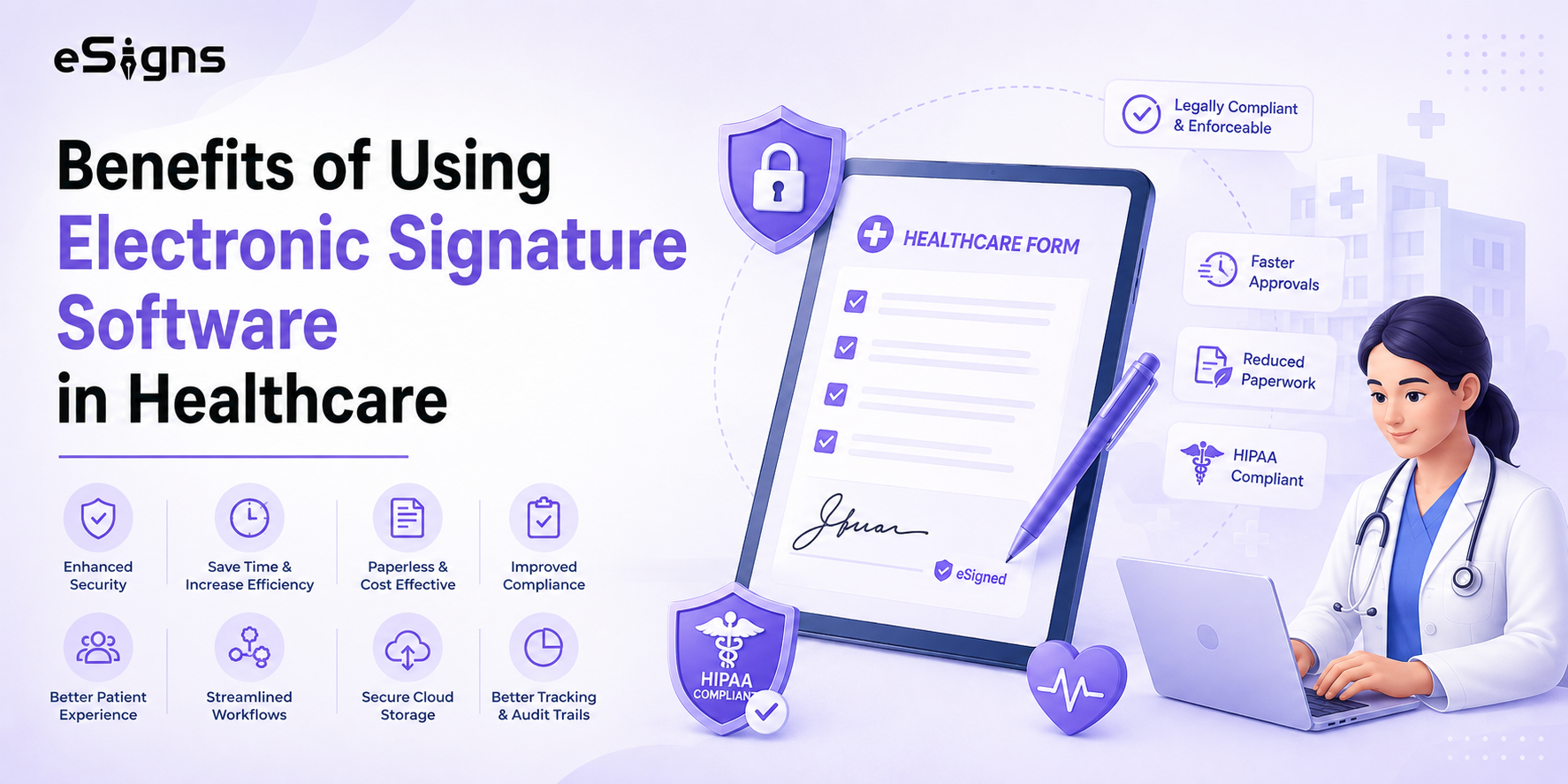
- Patient claim approvals that used to take days, now done in minutes
- Lower costs after cutting down printing, storage, and manual admin work
- A built-in audit trail for every signature and edit of the health records
- A smoother & less frustrating experience for patients from admission to discharge
If your clinic or hospital is small and looking for affordable ways, several eSignature software tools exist, but eSigns offers secure digital signing with automated workflows cost-effectively.
How Does eSigns.io Enable Smarter Workflow Automation for Healthcare?
eSigns combines both electronic signature and Document Automation tools into one system, designed especially for healthcare’s compliance needs. Before using separate tools for consent forms, signatures, and storage, you can perform every task in a single platform, i.e., the eSigns Electronic Document Management System.
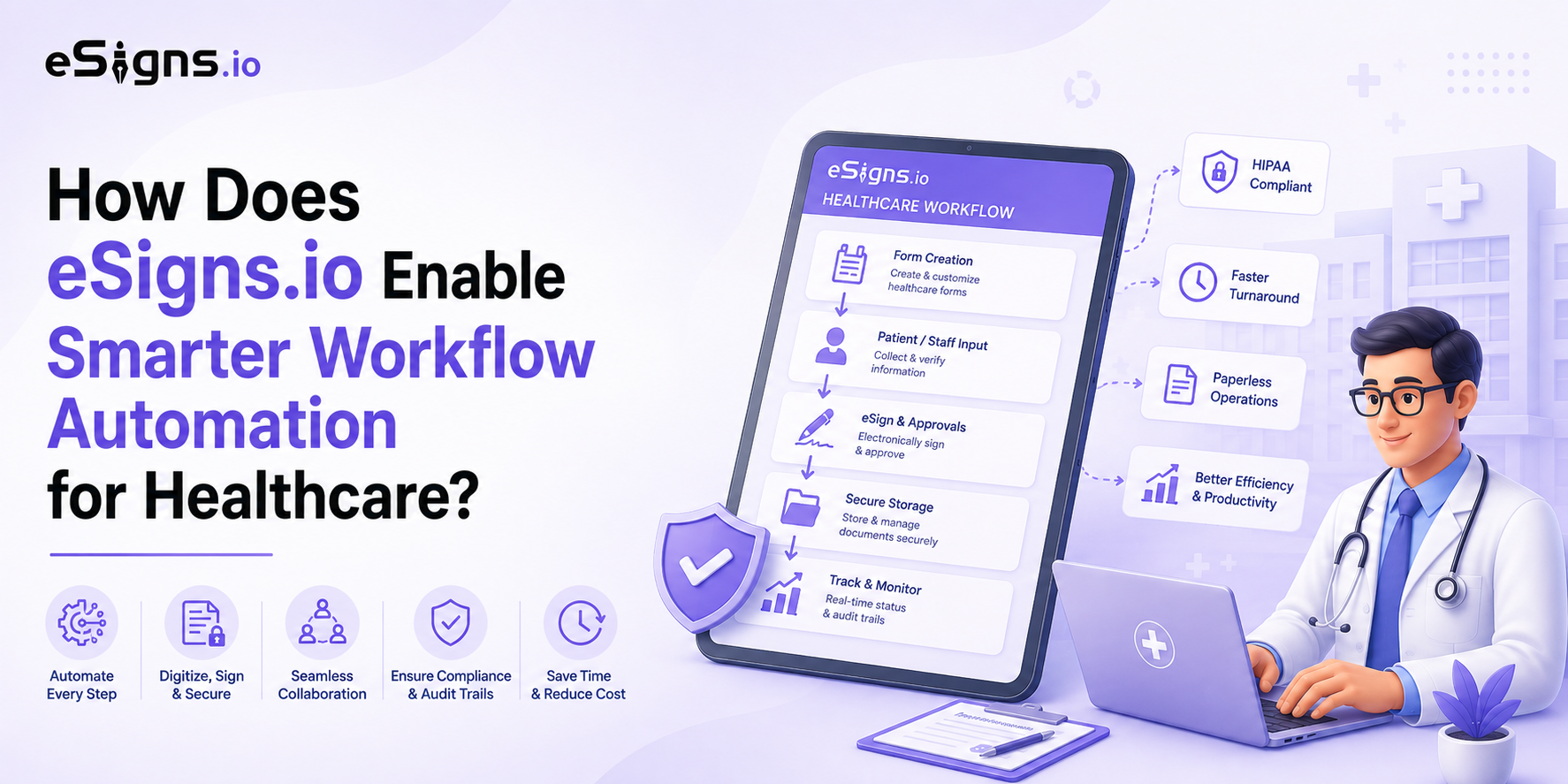
A few things that make a real difference every day:
- Ready-made & reusable templates for common healthcare forms
- Automatic routing so claim approvals don’t sit untouched
- High security built for patients’ sensitive information
- Integrations with the EHR systems you already use
This is really what Smarter Workflow Automation comes down to: not just replacing paper with PDFs, but connecting every form into one workflow your whole team can actually follow.
Final Words
After digitizing these top 8 healthcare forms, every clinic and hospital team can speed up patient documentation and focus more on patient care. Switching to the AI-driven Digital Workflow Automation Software powered by eSigns, healthcare businesses experience smoother workflows from patient delivery to vendor agreements.
Curious how it works in practice? Book a free demo with eSigns.io and see your health forms go paperless.
FAQs
- What does workflow automation software actually do for a healthcare practice?
It takes forms that used to move through your office by hand, such as intake, consent, claims, and routes them digitally instead, so nothing gets lost and approvals happen faster.
- Is an electronic signature legally valid on medical forms?
Yes. eSignature Software that complies with the ESIGN Act and HIPAA standards delivers a legally binding electronic signature with a timestamped audit trail.
- Can a small clinic get by with free eSignature tools?
For basic needs, yes. Many free eSignature software tools cover the essentials, and clinics often start there before moving to a full workflow platform as their volume grows.
- How does document management software help with compliance?
An Electronic Document Management System keeps every form in one secure, searchable place with access controls and logs, making compliance reviews far less stressful.
- Will workflow automation software work with our current EHR system?
Most platforms, including eSigns, are designed to integrate with common EHR and practice management tools, so signed forms sync directly into existing patient records.